5-Day Campus Immersion · Robotics

From a blank sketch to a robot you can drive — in five days.

Design to Simulation: Mobile Robot Development using Fusion 360 & ROS 2. Design, assemble, simulate and drive one robot — on campus, with the exact tools industry uses.
5 – 9 October 202615 sessionsOn-campusBeginner friendly
Applications open · no payment upfront
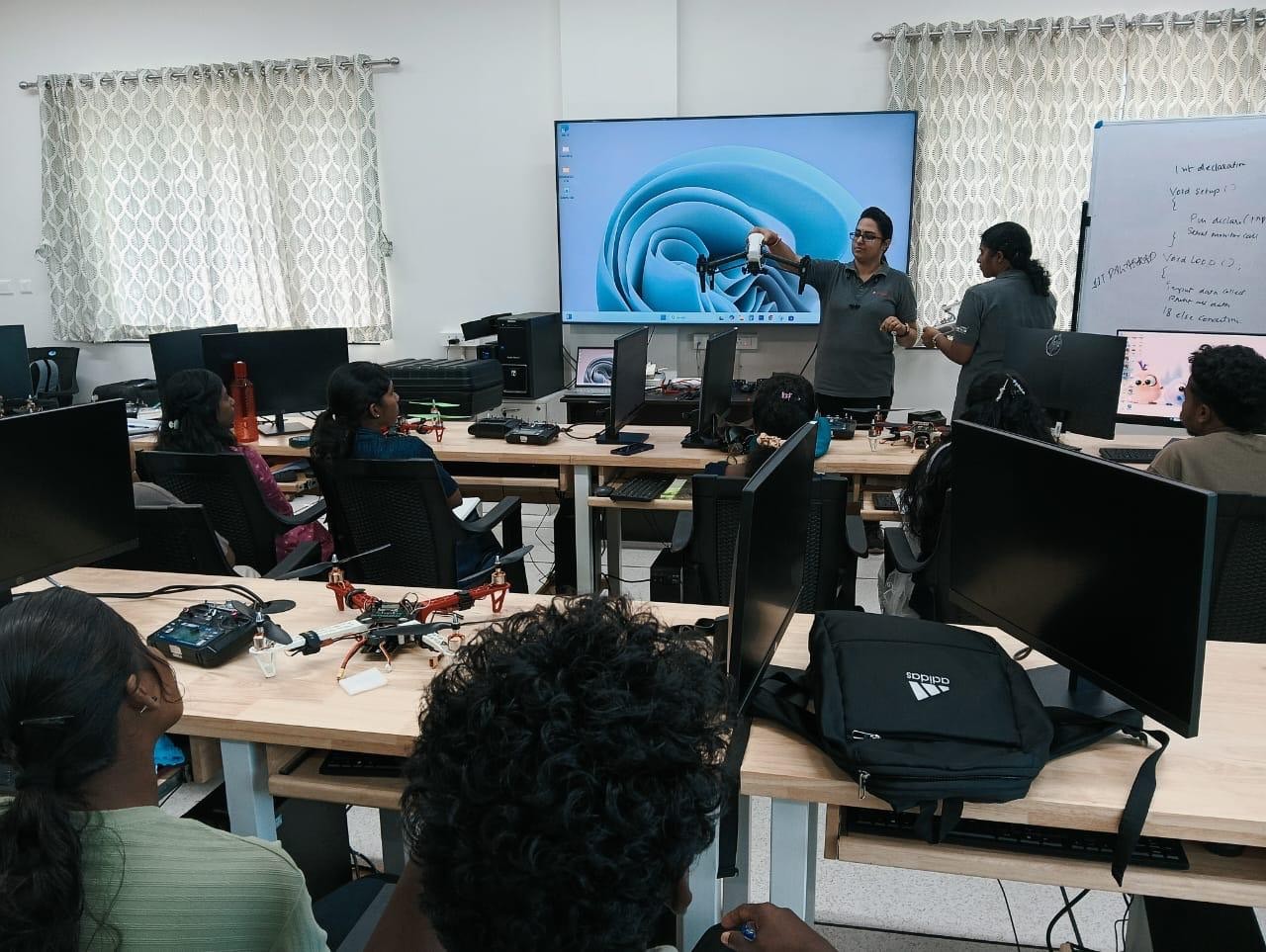
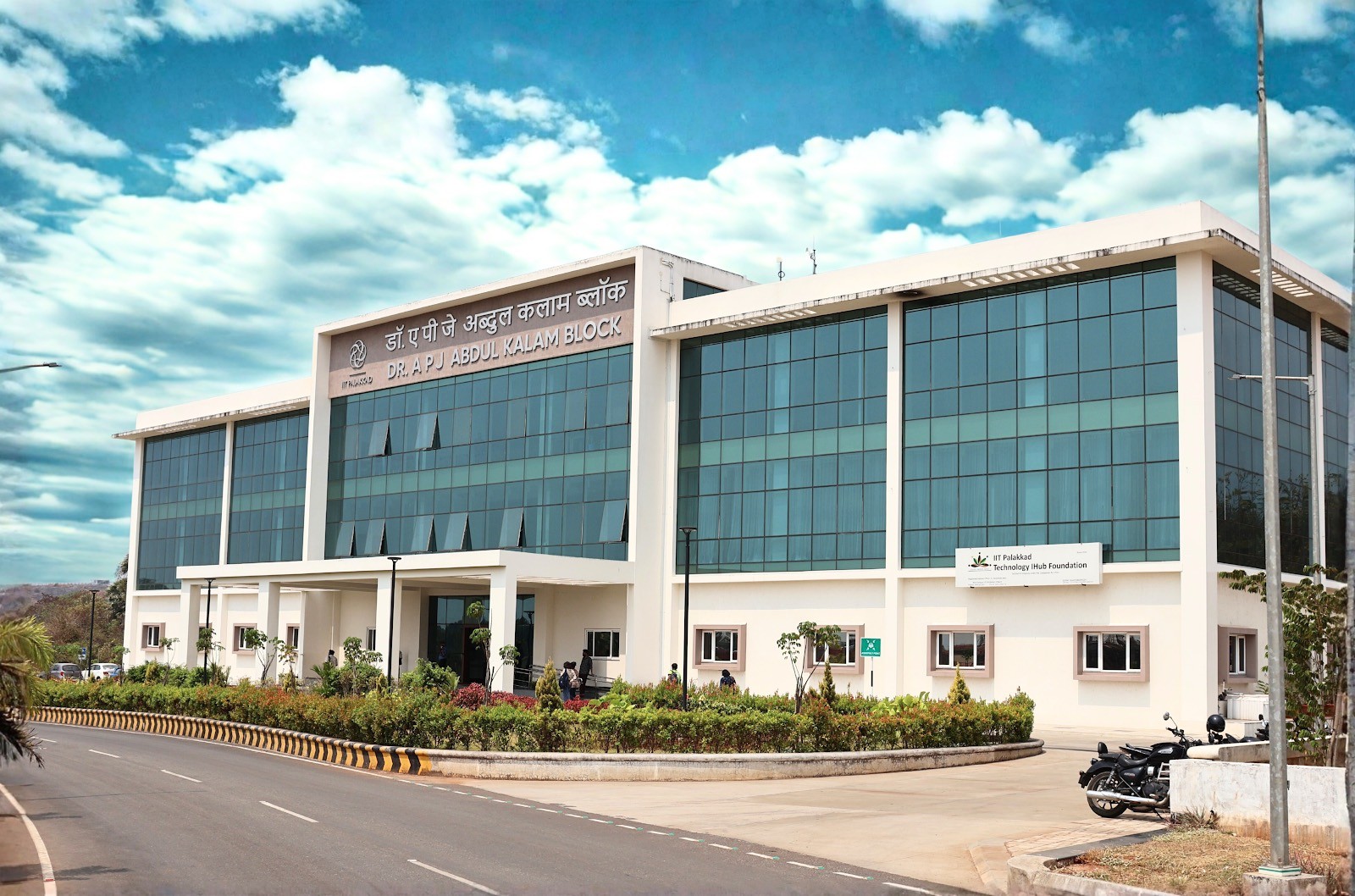
Instructor demonstrating a drone to the cohort at TIH, IIT PalakkadDr. A P J Abdul Kalam Block, IIT Palakkad Technology iHub campus
₹20,000 · all-inclusive
5
Days on campus
Full immersion, not evening Zoom calls
15
Hands-on sessions
Every one builds on the last file
1
Robot, end-to-end
Designed, simulated and driven by you
0
Prior experience needed
ROS, CAD — all taught from zero
The workshop

One robot, built the way industry actually builds them

Most courses teach CAD or ROS. Almost none teach the handoff between them — which is exactly where real robotics projects stall. Here, one robot travels the whole pipeline with you, and every session builds on the file you made in the last one.

Step 1
Design
Sketch and model every part in Fusion 360 — constraints, parametric parts.
Step 2
Assemble
Joints and motion relationships turn loose parts into a machine.
Step 3
Convert
Export meshes and describe your robot in URDF — the bridge to ROS.
Step 4
Simulate
Launch in Gazebo, visualize in RViz, with real physics.
Step 5
Drive
Teleop your robot with ros2_control. Demo it on the final day.
Day-by-day curriculum

Five days will change how you build

Fifteen hands-on sessions. One robot — sketch to simulation.

01Introduction to Fusion 360
02Mobile Robot Design
03CAD to ROS 2 Workflow
04Robot Description & Simulation
05Robot Control & Demonstration
Apply for a seat →
Day 1
Introduction to Fusion 360
Get fluent in the CAD environment and model your first robot components from scratch.
Session 109:30 – 11:30
Introduction to CAD and the Fusion 360 interface
Sketching, constraints and parametric design
Session 211:45 – 13:00
Part modeling: extrude, revolve, fillet, chamfer
Hole and pattern features
Session 314:00 – 15:30
Creating individual components for a differential drive mobile robot
Day 2
Mobile Robot Design
Turn loose parts into a working assembly with real joints and motion.
Session 109:30 – 11:30
Components, joints and motion relationships
Session 211:45 – 13:00
Designing and assembling the differential drive robot
Session 314:00 – 15:30
Open Q&A on Fusion 360 and your own assembly
Day 3
CAD to ROS 2 Workflow
The bridge most people never cross — take your CAD model into a simulation-ready format.
Session 109:30 – 11:30
Preparing the robot for simulation: mass properties
Coordinate frames and mesh export (STL)
Session 211:45 – 13:00
Organizing robot assets and preparing for URDF conversion
Session 314:00 – 15:30
Ubuntu 22.04 overview and ROS 2 Humble installation
Workspace creation, Gazebo install, required ROS packages
Day 4
Robot Description & Simulation
Describe your robot in ROS 2 and watch it come alive in a physics simulator.
Session 109:30 – 11:30
ROS 2 fundamentals: nodes, topics, services
Packages and launch files
Session 211:45 – 13:00
Creating the robot URDF/Xacro model from your Fusion 360 design
Session 314:00 – 15:30
Launching the robot in Gazebo, visualizing in RViz
TF tree and robot state publisher
Day 5
Robot Control & Demonstration
Drive it. Sense with it. Then demo the robot you built from a blank sketch.
Session 109:30 – 11:30
Differential drive kinematics
ros2_control and controller configuration
Session 211:45 – 13:00
Teleoperation and Python scripting
Simulating LiDAR and IMU sensors
Session 314:00 – 15:30
Final project demonstration and testing
Troubleshooting, Q&A and wrap-up
The campus

Five days inside a working robotics facility

You'll build at the Technology iHub, IIT Palakkad — with its FabLab, motion-capture and testing facilities around you, not a rented classroom.
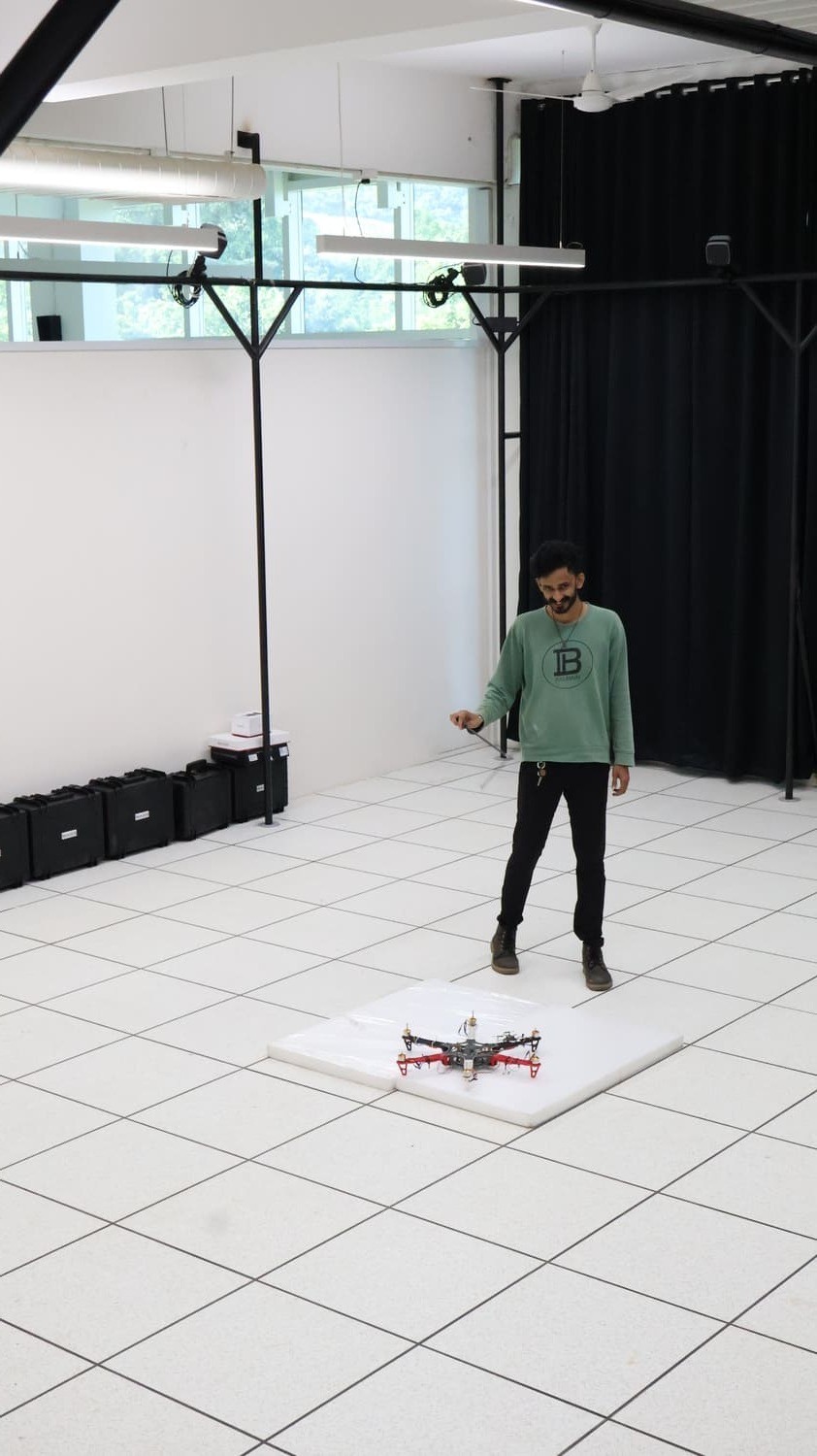
Motion Capture Lab at TIH, IIT PalakkadMotion Capture Lab
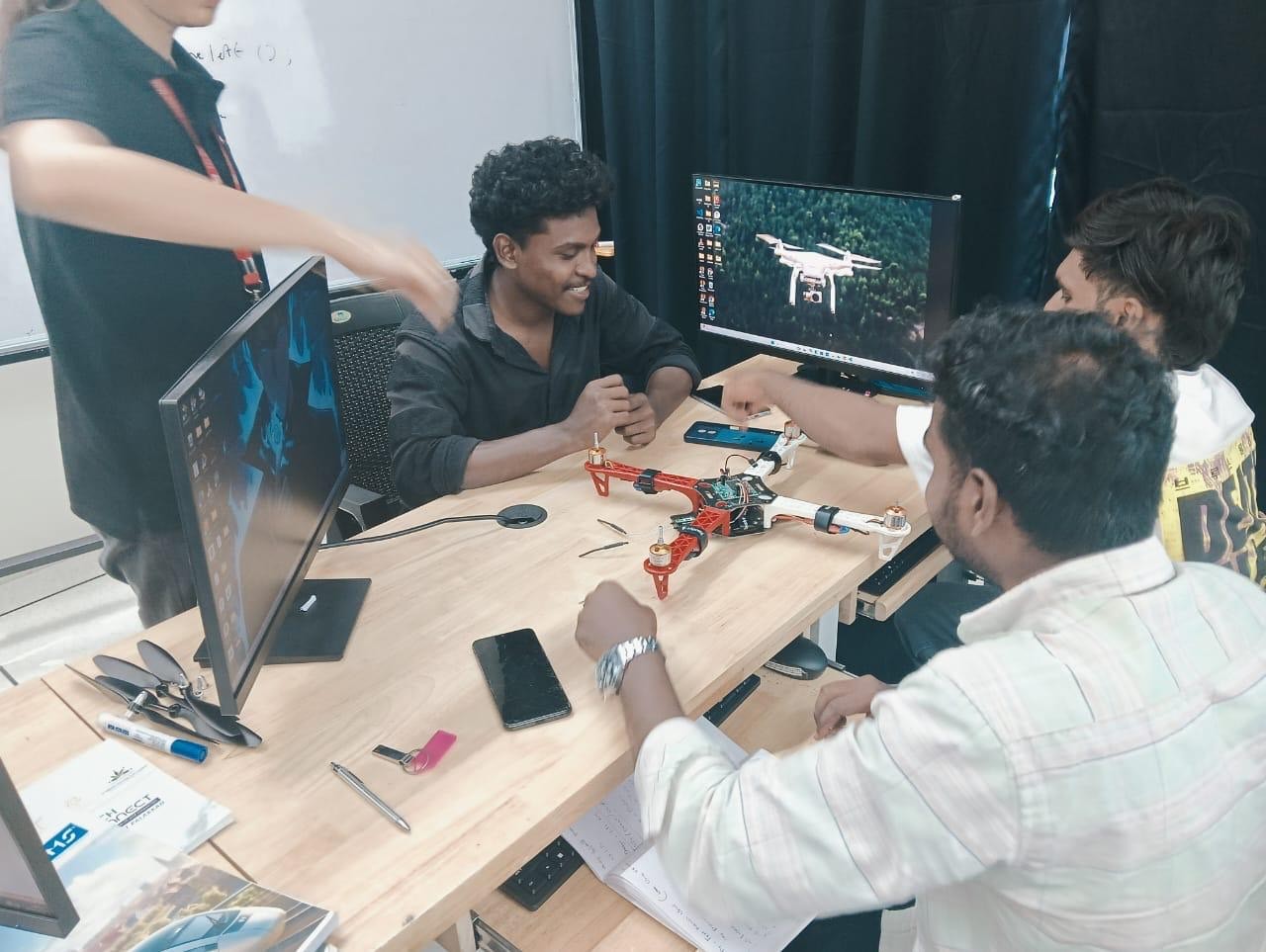
Team assembling a quadcopter droneBuild sessions
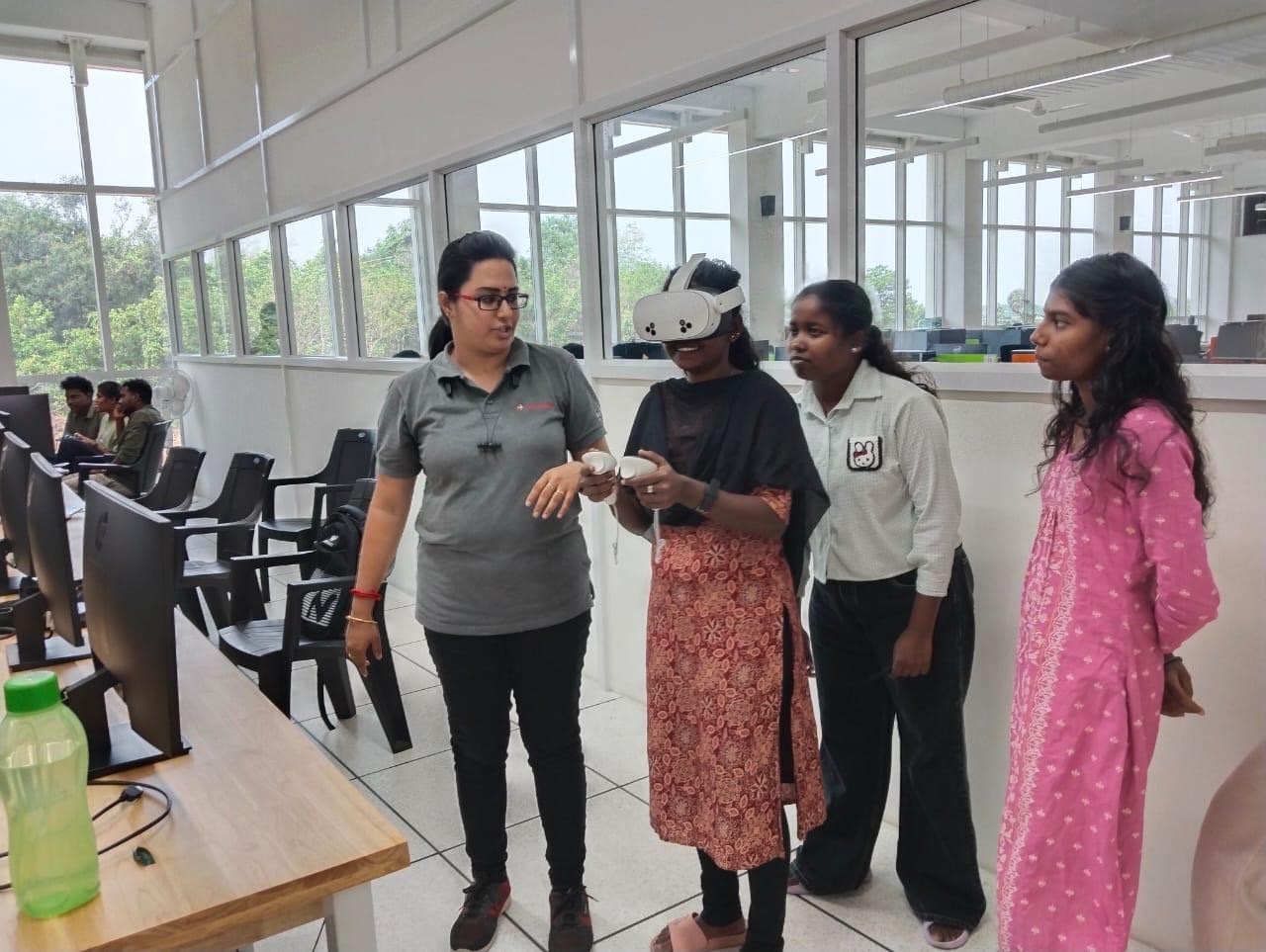
Learner using a VR headset with mentor guidance1:1 mentorship
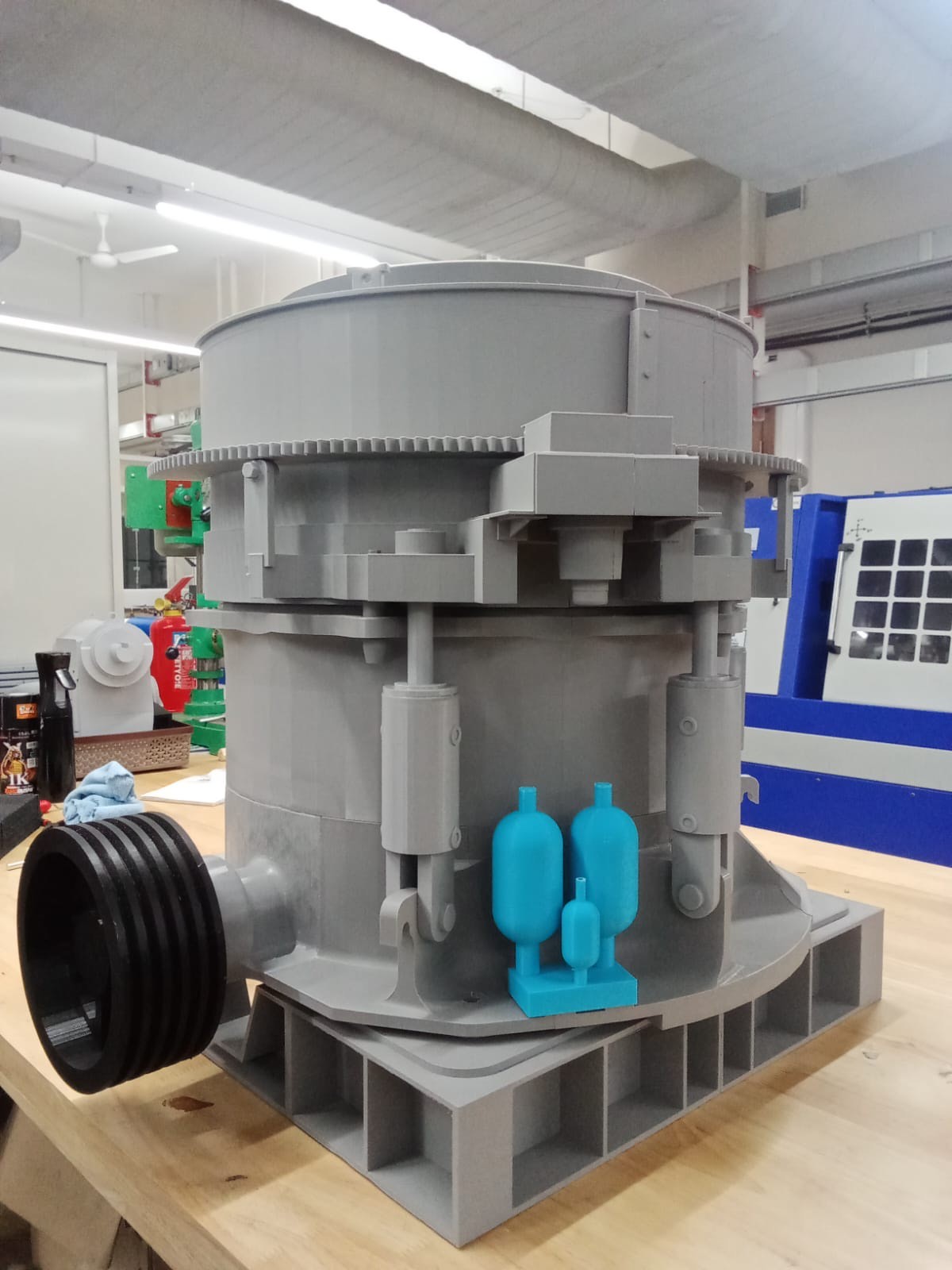
Large 3D-printed industrial assembly in the fabrication labFabLab
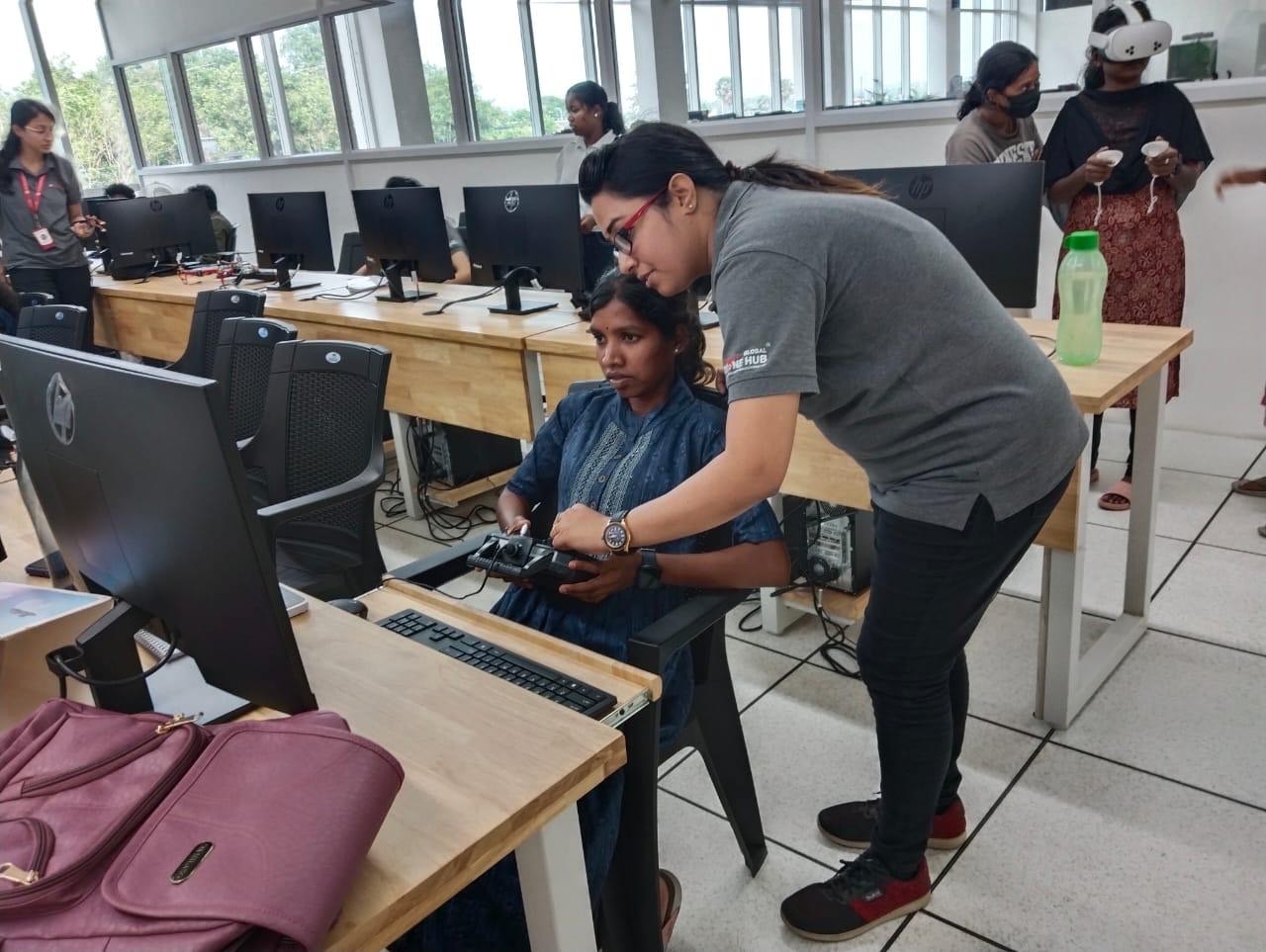
Mentor teaching a learner to operate a drone controllerField testing
Programme leadership

Backed by IPTIF

Delivered with IIT Palakkad Technology iHub Foundation — a Government of India Technology Innovation Hub with a full FabLab and deep-tech research base.
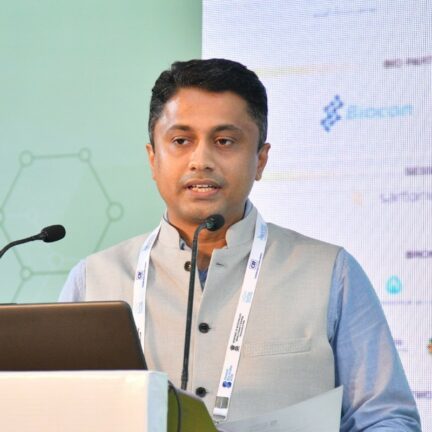

Dr. Saishyam Narayanan
Chief Executive Officer
Dr. Rijesh Krishna
Dr. Rijesh Krishna
Chief Operating Officer
Dr. Binu K Baby
Dr. Binu K Baby
Manager, Technology Facilities
Dr. Rajeswari R
Dr. Rajeswari R
Manager, HR & Administration
Who it's for

Built for people who want to build

Engineering students
Mechanical, ECE, CSE or mechatronics students who want a robotics project they can actually show.
Researchers
Anyone who needs to prototype and simulate a robot before committing to hardware.
Working professionals
Engineers moving into robotics, automation or simulation-heavy roles.
Educators
Faculty who want a repeatable CAD-to-simulation teaching pipeline.
Learning outcomes

What you'll walk away with

Design components and assemblies in Fusion 360
Apply parametric CAD techniques for robotics
Build a complete differential drive mobile robot
Export CAD models for robotics applications
Understand URDF and robot description files
Create ROS 2 workspaces and packages
Simulate robots in Gazebo and RViz
Control a mobile robot using ROS 2
Master the full CAD-to-simulation workflow
Tools you'll use

Industry-standard stack

Autodesk Fusion 360CAD
ROS 2 HumbleMiddleware
Gazebo Classic 11Simulation
Ubuntu 22.04 LTSOS
Visual Studio CodeIDE

Bring a laptop. Installation instructions are shared before the workshop, and setup support is provided on Day 3.

Prerequisites

Start from wherever you are

No prior robotics background is required — these simply help you get more out of the hands-on sessions.

·Basic computer proficiency (Windows or Linux)
·Linux command line helps, but is not required
·Basic Python or C++ is recommended
·CAD or engineering drawing exposure is a plus
·Interest in robotics, automation or mechatronics
·No prior ROS 2, Gazebo or Fusion 360 experience needed
How enrolment works

Four steps. Zero payment to begin.

Apply first — we call you, confirm your seat, and only then share a payment link.

01
Fill the form
Name, email and phone. No payment at this stage.
02
Our team calls you
We confirm your seat and check prerequisites.
03
Payment link shared
A secure link. Your seat is held while you complete it.
04
You're enrolled
Joining instructions and setup guide reach your inbox.
Programme fee per participant
₹20,000
GST
Food
Accommodation
Travel
Apply for a seat →
Fusion 360 & ROS 2 · 5-Day Workshop
5 – 9 October 2026 · Applying is free — pay only after your seat is confirmed
Apply now · ₹0 today →

RESERVE YOUR SEAT

Apply for the October cohort

Apply for the October cohort

Share your details and our team will call you to confirm your seat, walk you through the prerequisites, and only then share a payment link. Nothing is charged now.

Limited seats · 5–9 October 2026 · On-campus

Register your interest

No payment required now. We’ll call you before anything is charged.

Empowering India's AI & tech ecosystem through world-class education programs in collaboration with IIT iHubs.

1st Floor, SPD Plaza, 52, Jyoti Niwas College Road, Kormangala, Bengaluru – 560034 (Karnataka)


+91 9678826478

info@edzor.com

©️ 2026 Edzor Ventures Private Limited. All rights reserved

Empowering India's AI ecosystem through world-class education programs in collaboration with IIT iHubs.

1st Floor, SPD Plaza, 52, Jyoti Niwas College Road, Kormangala, Bengaluru – 560034 (Karnataka)


©️ 2026 Edzor Ventures Private Limited. All rights reserved