Day-by-day curriculum
Five days will change how you build
Fifteen hands-on sessions. One robot — sketch to simulation.
01Introduction to Fusion 360
02Mobile Robot Design
03CAD to ROS 2 Workflow
04Robot Description & Simulation
05Robot Control & Demonstration
Apply for a seat →Day 1
Introduction to Fusion 360
Get fluent in the CAD environment and model your first robot components from scratch.
Session 109:30 – 11:30
Introduction to CAD and the Fusion 360 interface
Sketching, constraints and parametric design
Session 211:45 – 13:00
Part modeling: extrude, revolve, fillet, chamfer
Hole and pattern features
Session 314:00 – 15:30
Creating individual components for a differential drive mobile robot
Day 2
Mobile Robot Design
Turn loose parts into a working assembly with real joints and motion.
Session 109:30 – 11:30
Components, joints and motion relationships
Session 211:45 – 13:00
Designing and assembling the differential drive robot
Session 314:00 – 15:30
Open Q&A on Fusion 360 and your own assembly
Day 3
CAD to ROS 2 Workflow
The bridge most people never cross — take your CAD model into a simulation-ready format.
Session 109:30 – 11:30
Preparing the robot for simulation: mass properties
Coordinate frames and mesh export (STL)
Session 211:45 – 13:00
Organizing robot assets and preparing for URDF conversion
Session 314:00 – 15:30
Ubuntu 22.04 overview and ROS 2 Humble installation
Workspace creation, Gazebo install, required ROS packages
Day 4
Robot Description & Simulation
Describe your robot in ROS 2 and watch it come alive in a physics simulator.
Session 109:30 – 11:30
ROS 2 fundamentals: nodes, topics, services
Packages and launch files
Session 211:45 – 13:00
Creating the robot URDF/Xacro model from your Fusion 360 design
Session 314:00 – 15:30
Launching the robot in Gazebo, visualizing in RViz
TF tree and robot state publisher
Day 5
Robot Control & Demonstration
Drive it. Sense with it. Then demo the robot you built from a blank sketch.
Session 109:30 – 11:30
Differential drive kinematics
ros2_control and controller configuration
Session 211:45 – 13:00
Teleoperation and Python scripting
Simulating LiDAR and IMU sensors
Session 314:00 – 15:30
Final project demonstration and testing
Troubleshooting, Q&A and wrap-up


RESERVE YOUR SEAT
Share your details and our team will call you to confirm your seat, walk you through the prerequisites, and only then share a payment link. Nothing is charged now.
Limited seats · 5–9 October 2026 · On-campus
✓ Our team calls you within 24 hours
✓ Seat held while you decide — no auto-charge
✓ Small cohort — limited seats for October

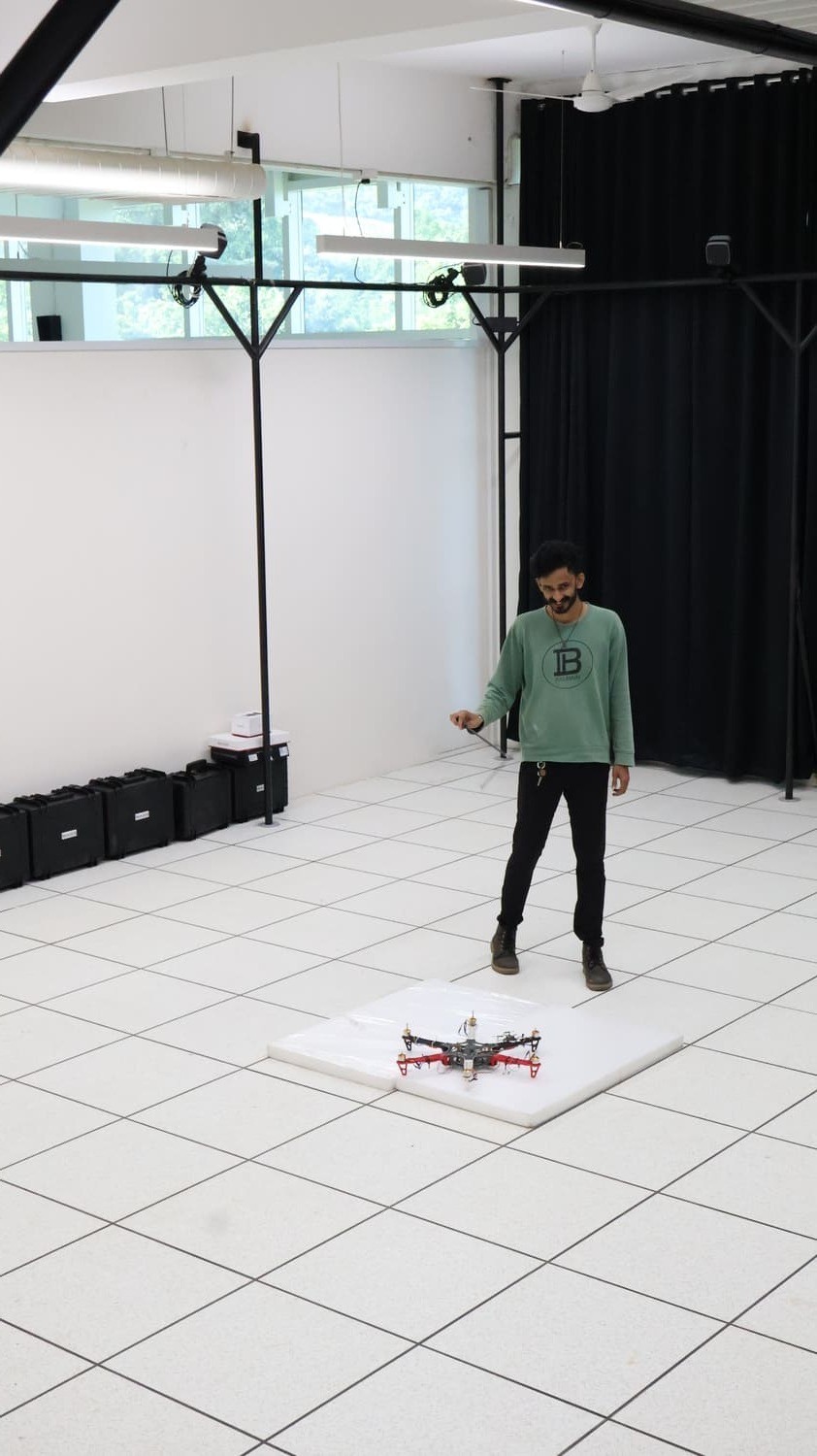
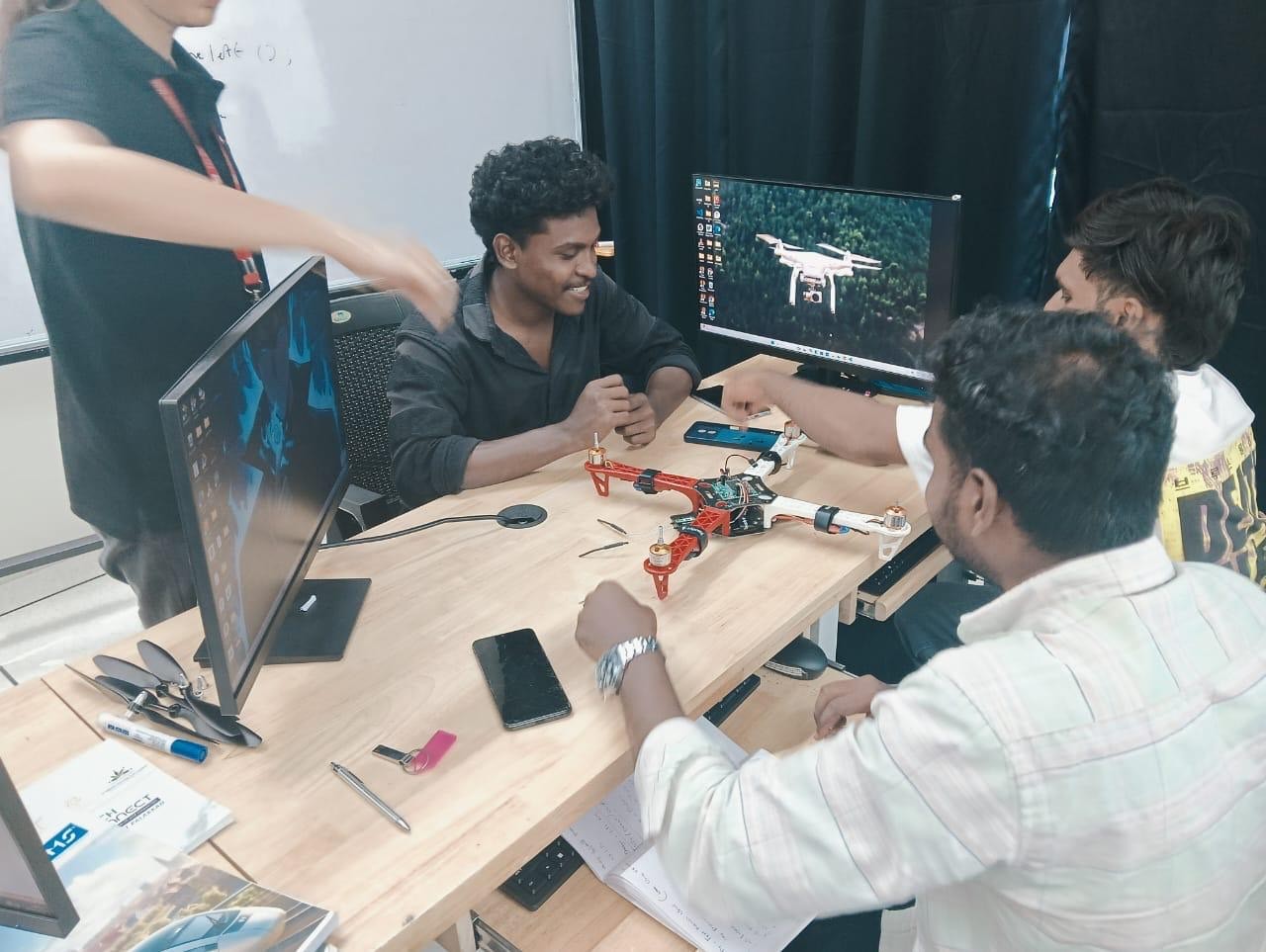
Live build session · TIH, IIT Palakkad